

77-731 Online Practice Questions and Answers
Questions 4
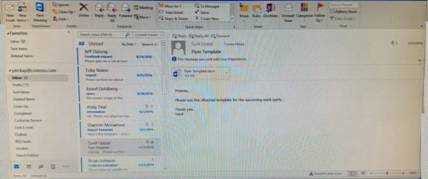
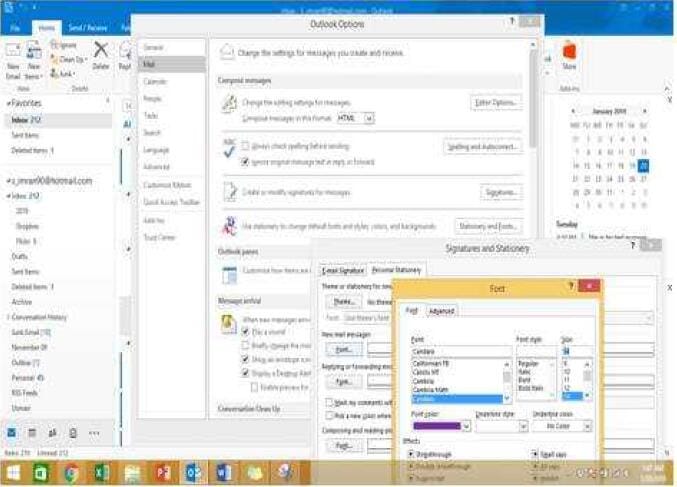
Configure Outlook to set the default font for new email messages to Purple 14-point Candara.
Questions 5
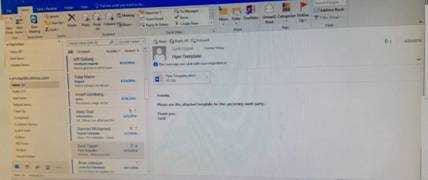
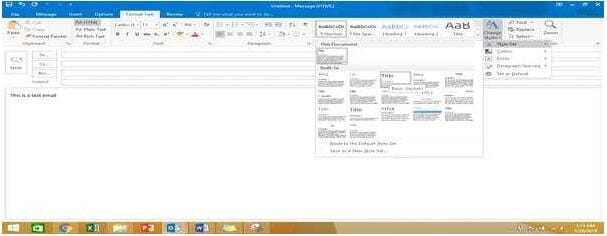
In the Drafts folder, open the ''Process Development'' message. Apply the Basic (Stylish) style set. Send the message.
Questions 6
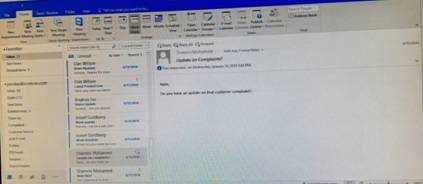
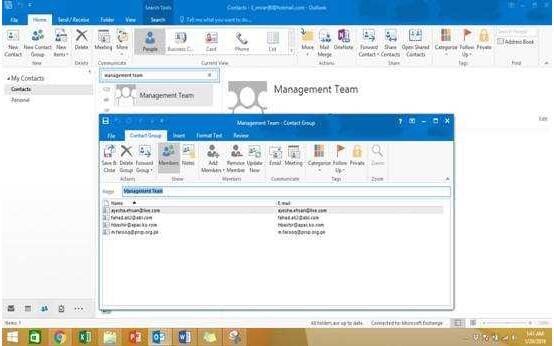
Add the contact ''Dan Wilson" to the ''Management Team'' contact group. Save and close the contact group.
Questions 7
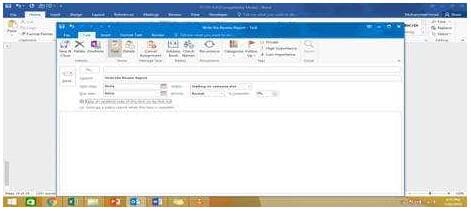
In the Tasks folder, locate the ''Write the Review Report'' task. Assign the task to ''Kim Ralls'' Set the status to Waiting on someone else. Do not keep updated copy of the task on your task list. Send the task.
Questions 8
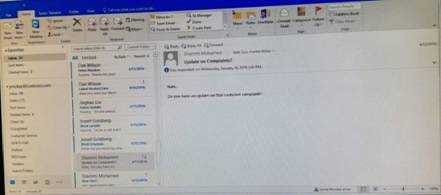
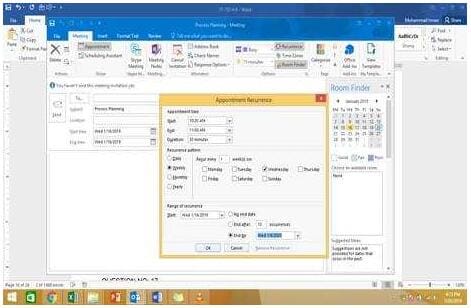
On the Calendar, locate the ''Process Planning'' meeting that occurs every Wednesday. Update the meeting series to end on the second Wednesday in January of next year. Send the meeting update.
Questions 9
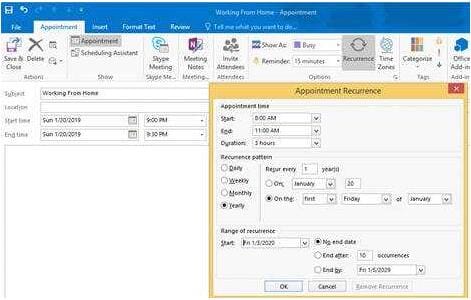
Create an appointment that has the subject ''Working From Home''. Configure the appointment to recur from 8:00 Am to 11:00 AM (from 8 o'clock until 11 o'clock) every other Friday starting the first Friday of next year. Show your time during the appointment as Working Elsewhere. Save close the appointment.
Questions 10
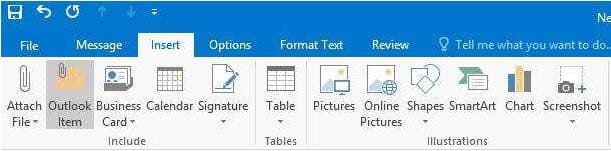
In the Drafts folder locate the message that has the subject ''Workflow for review''. Insert the Customer Service Workflow image from the pictures folder below the body text. Send the message.
Questions 11
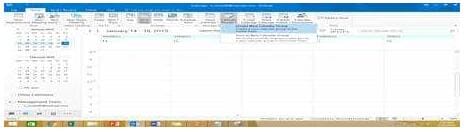
Create a calendar group named "Management Team" that includes the calendars of '' Yvoone Mckay '', '' Joosef Glodberg'' and "Sammi Mohamed''
Questions 12
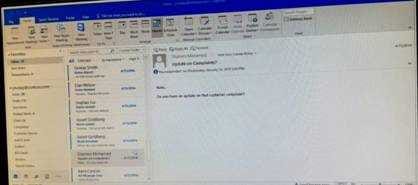
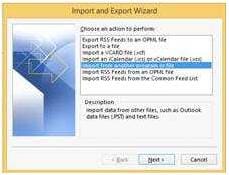
Import the contacts from the PersonalContacts.csv located in the Documents folder into the Contacts folder.
Questions 13
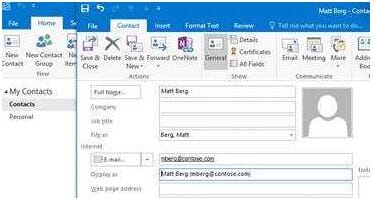
Create a contact named ''Matt Berg'' with an email address of ''mberg@contose.com'' Save and close the contact.


Home | About Us | Contact Us | FAQ | Guarantee Policy | Privacy Policy
Any charges made through this site will appear as Global Simulators Limited. All trademarks are the property of their respective owners.
Copyright © 2004-2026 pass2lead.com, All Rights Reserved.