

MO-300 Online Practice Questions and Answers
Questions 4
On the ‘’Admission information’’ slide, configuration a Down motion path animation for the check mark icon.
A. See the Steps below
B. PlaceHolder
C. PlaceHolder
D. PlaceHolder
Questions 5
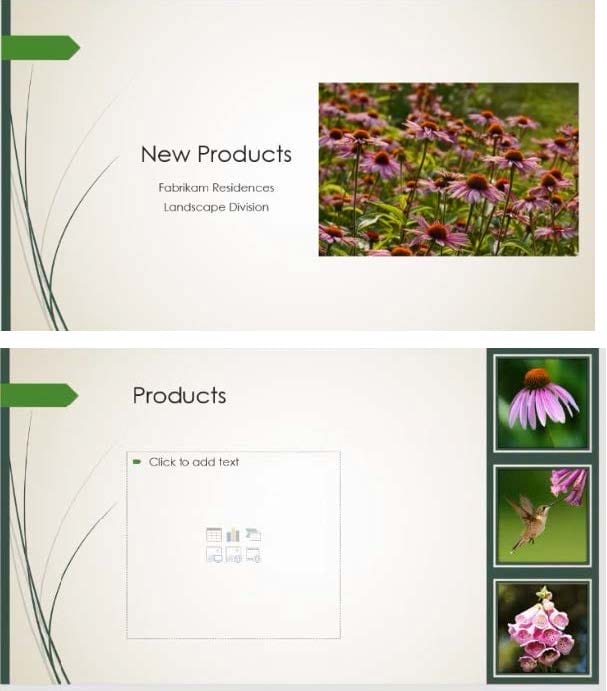
At the end of the presentation, insert the slides from the Campus presentation in the Documents folder. After you insert the slides, slide 6 should be ‘’Discover Your Campus’’ and slide 7 should be ‘Display Your Art’’.
A. See the Steps below
B. PlaceHolder
C. PlaceHolder
D. PlaceHolder
Questions 6
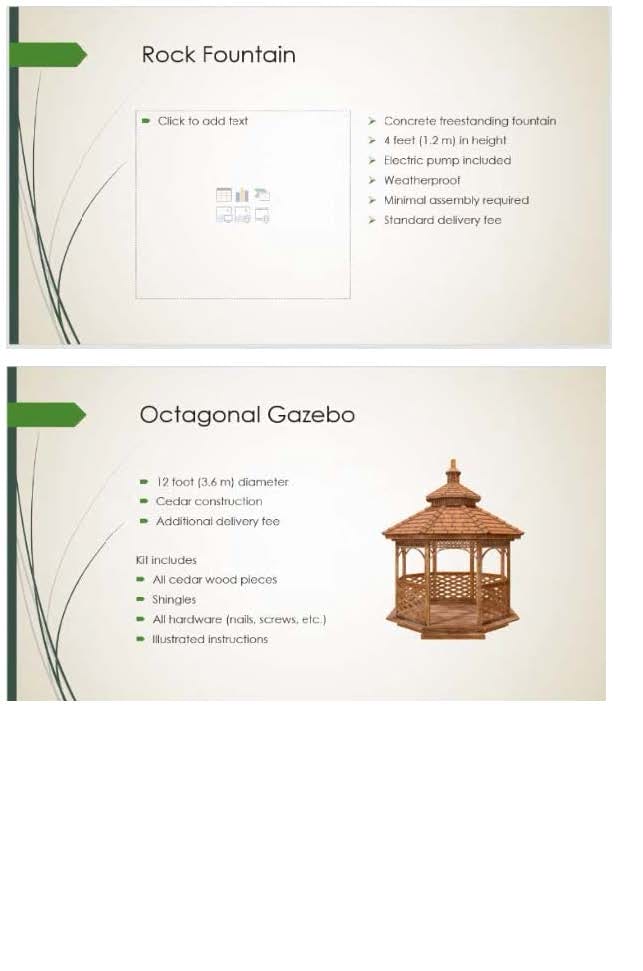
On slide 4, add the Swivel animation to the gazebo image.
A. See the steps below.
B. PlaceHolder
C. PlaceHolder
D. PlaceHolder
Questions 7
On slide 3, use the 3D Models feature to insert the Foundation model from the 3D Objects folder, Resize
the model to a height of 4’’ (10.16.cm). Place the model to the left of the bulleted list.
The exact position of the model does not matter.
A. See the steps below.
B. PlaceHolder
C. PlaceHolder
D. PlaceHolder
Questions 8
On slide 4, change the chart type to a Clustered Bar chart.
A. See the steps below.
B. PlaceHolder
C. PlaceHolder
D. PlaceHolder
Questions 9
For all slides, set the transition duration to 3 seconds.
A. See the steps below.
B. PlaceHolder
C. PlaceHolder
D. PlaceHolder
Questions 10
On Slide 1, insert a hyperlink from the text ‘Try Research’ to ‘http://www.treyresearch.net’’.
A. See the steps below.
B. PlaceHolder
C. PlaceHolder
D. PlaceHolder
Questions 11
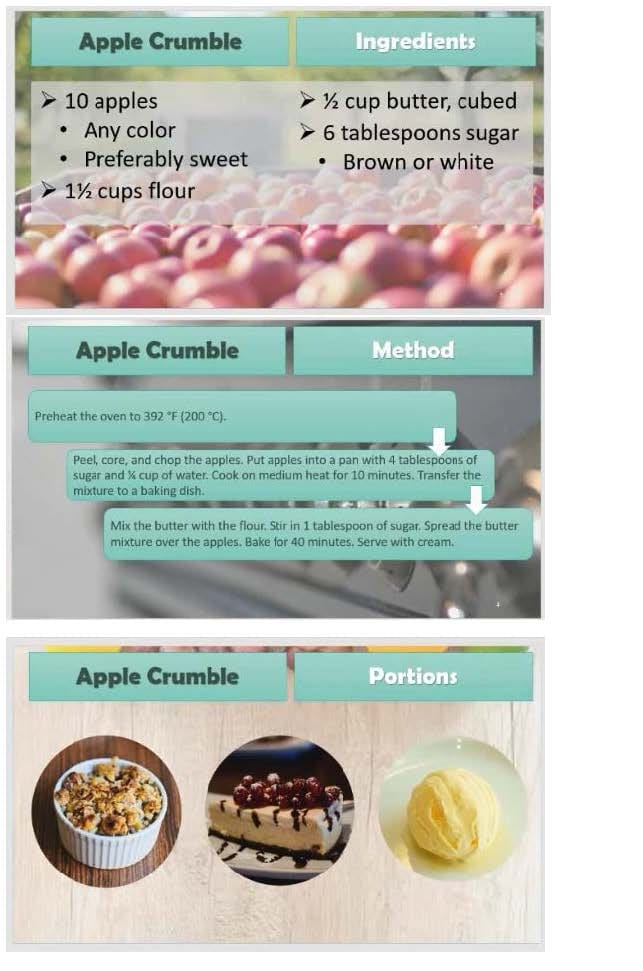
On slide 5, group the three images.
A. See the steps below.
B. PlaceHolder
C. PlaceHolder
D. PlaceHolder
Questions 12
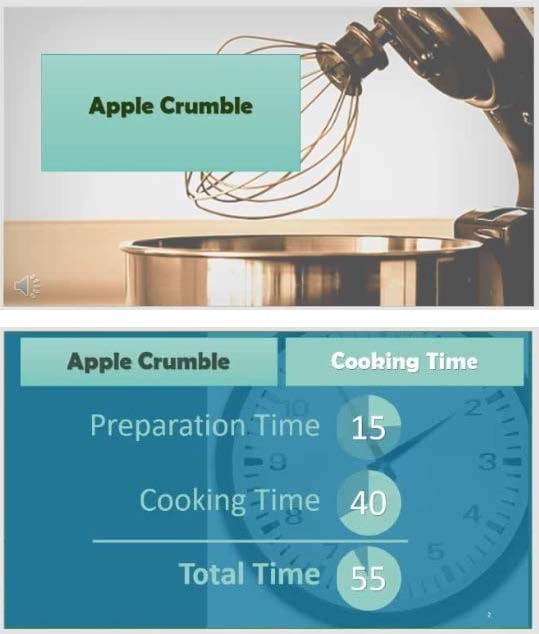
On slide1, configure the audio clip to fade in for 2 seconds when the user clicks the audio icon. Configure the settings so the audio clip plays only one time but continues across multiples slides.
A. See the steps below.
B. PlaceHolder
C. PlaceHolder
D. PlaceHolder


Questions 13
On slide 2, insert Section Zoom links to ‘’Section 2: Products and Services’’, Section 3:
Clubs an Teams’’, and ‘’Section 4: Contact US’’, Reposition the section thumbnails within the black
rectangle so they are not stacked on top of each other.
The exact order and location of the thumbnails do not matter.
A. See the steps below.
B. PlaceHolder
C. PlaceHolder
D. PlaceHolder


Home | About Us | Contact Us | FAQ | Guarantee Policy | Privacy Policy
Any charges made through this site will appear as Global Simulators Limited. All trademarks are the property of their respective owners.
Copyright © 2004-2026 pass2lead.com, All Rights Reserved.