

PEGAPCRSA80V1_2019 Online Practice Questions and Answers
Questions 4
DRAG DROP
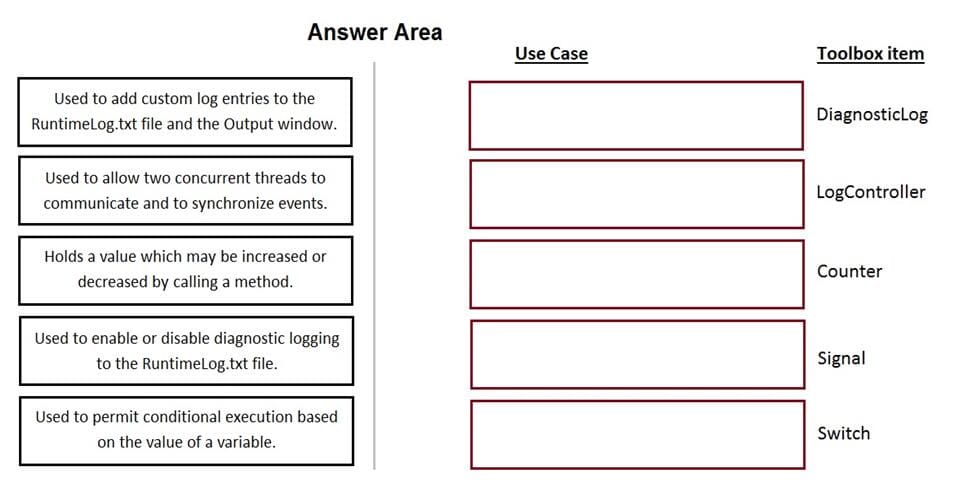
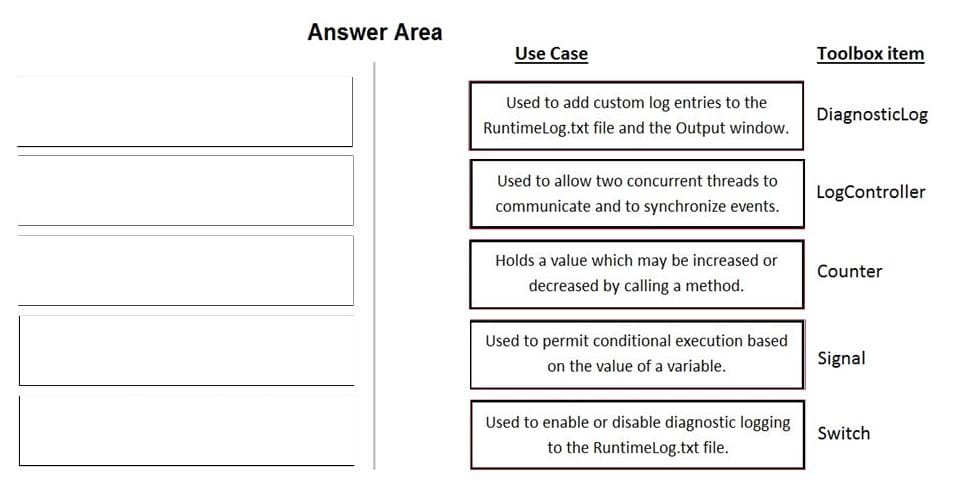
In the Answer Area, drag each use case on the left to the correct Toolbox item.
Select and Place:
Questions 5
DRAG DROP
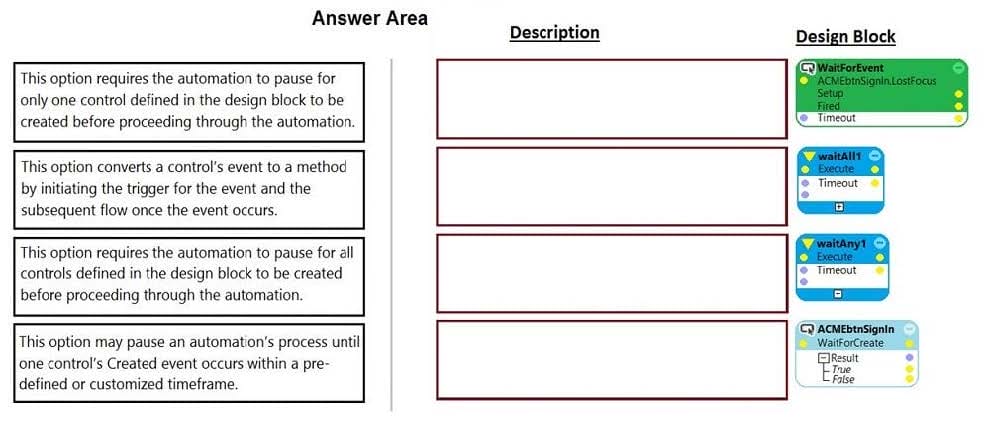
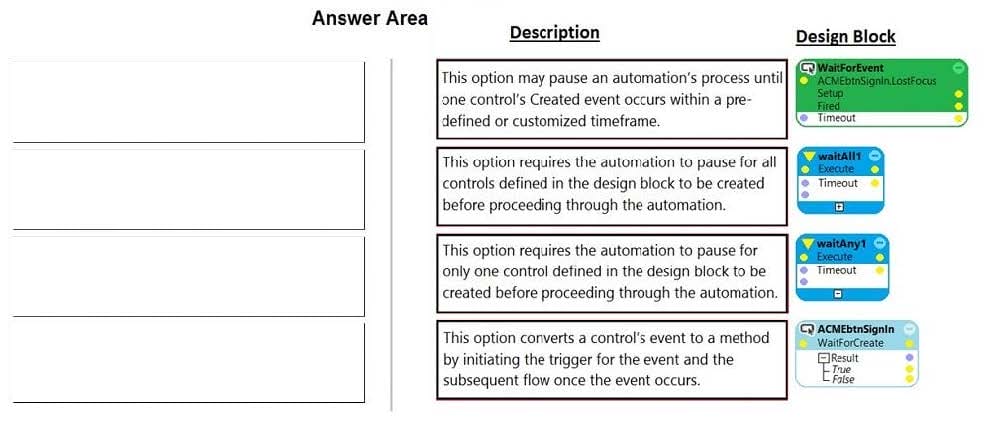
Pega Robot Studio has several methods to manage the flow of an automation depending on when a control is matched. In the Answer Area, drag the description on the left to its matching Design Block.
Select and Place:
Questions 6
DRAG DROP
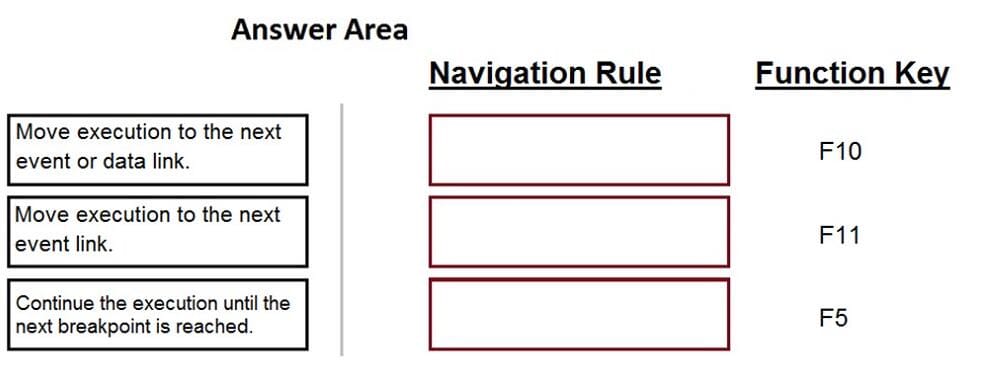
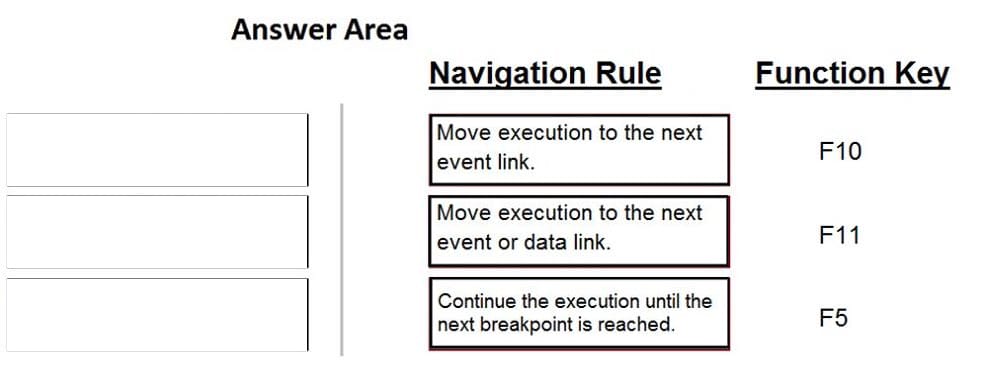
When debugging an automation, you have three function keys to use for navigating the breakpoints. In the Answer Area, drag each navigation rule on the left to its correct function key.
Select and Place:
Questions 7
HOTSPOT
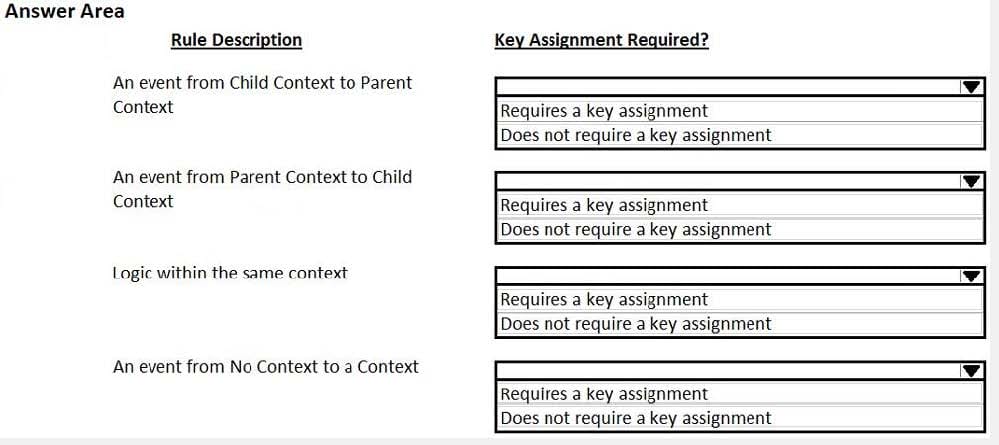
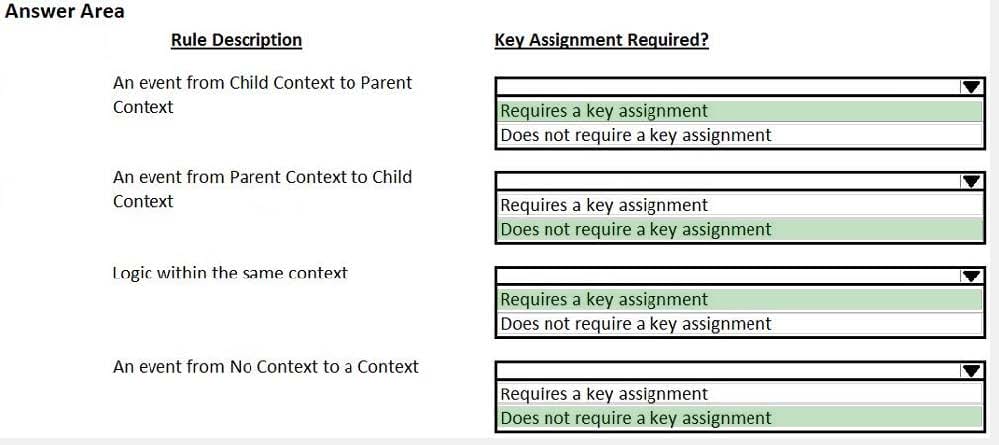
Pega Robot Studio provides five rules on how to differentiate between cloneable application objects when using key assignments in automations. The first rule states that an event creates the instance to set the context of a cloneable object. The remaining four rules state the requirements for a key assignment.
In the Answer Area, determine if each rule description requires a key assignment.
Hot Area:
Questions 8
In an automation that contains an ExcelRange component, you make a change to the data within the range, and you want to save those changes to the Excel file on disk. Which of the following statements is valid?
A. Call the Commit method of ExcelRange component and then Save on the ExcelConnector.
B. The changes save to the Excel file automatically.
C. Call the Commit method of the ExcelConnector and reload the Excel file.
D. Call the Save method of ExcelConnector and reset the state of Excel file.
Questions 9
You are using the Interaction framework for your project solution. Where in the solution do you add an Interaction Manager component?
A. In the project configuration file.
B. As a local component of the automation.
C. In the global container of the project.
D. As a global component of the automation.
Questions 10
You are debugging a project with several automations. You are particular about one specific value in a procedure automation and want to monitor the value while debugging. Which debugging window do you use during the debugging process?
A. Locals
B. Automation Watches
C. Breakpoints
D. Threads
Questions 11
An automation requires the web adapter to attach to a running instance of Internet Explorer. How do you achieve this requirement?
A. Configure the Universal Web adapter and set the StartMethod property to MonitorAll.
B. Configure the web adapter and set the StartMethod property to MonitorAll.
C. Configure the web adapter and set the StartMehod property to Attach.
D. The web adapter cannot connect to a running instance.
Questions 12
A project requirement is to run the solution in multiple environments: Development and Production. Which two items can be added to the two Project Configuration files? (Choose two.)
A. Variable values
B. Citrix Context properties
C. Adapter Text MatchRules
D. Project properties
Questions 13
You are evaluating business requirements and reviewing each adapter in a project.
Prior to interrogating the application, what three actions do you perform during application discovery? (Choose three.)
A. Identify the technology on which the application is built (web, Windows, text).
B. Verify the match rules on all interrogated controls.
C. Verify the interactions between all applications in the solution.
D. Verify the number of application instances accessed by the user at the same time.
E. Verify how the application launches outside of Pega Robot Studio.


Home | About Us | Contact Us | FAQ | Guarantee Policy | Privacy Policy
Any charges made through this site will appear as Global Simulators Limited. All trademarks are the property of their respective owners.
Copyright © 2004-2026 pass2lead.com, All Rights Reserved.